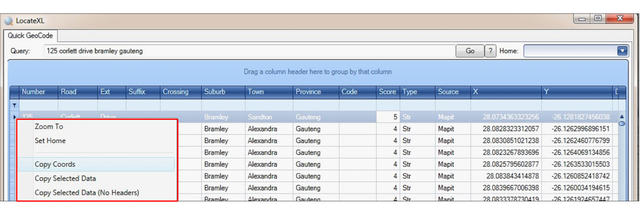
2.4. Zoom or Copy
You can right click any row in the grid and choose to:
•Zoom to – Zoom to row on map
•Set Home – *Explained in 2.5 Below
•Copy Coordinates – Copy the X, Y (Latitude and Longitude) to clipboard
•Copy Selected Data – Copy all data in row, including headers, to clipboard
•Copy Selected Data (No Headers) – Copy all data in row, excluding headers, to clipboard